
Author Archives: 4ttech


31
May
May
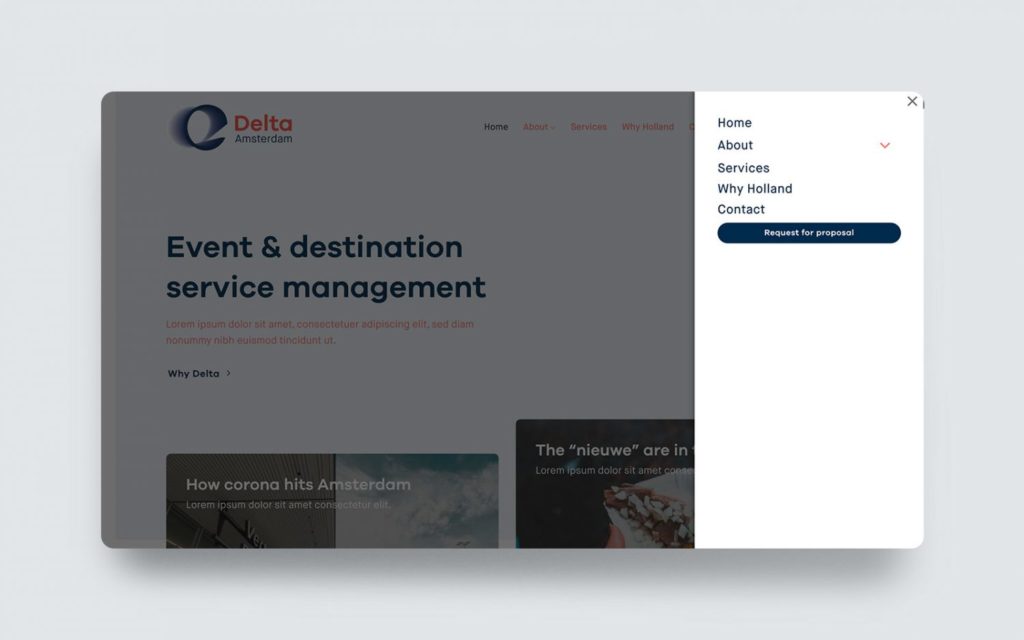
In this video tutorial I’ll explain how to place your header sticky on the left in Flatsome. This solution is made for desktop and it combines the UX Builder with the general WordPress widget function.
31
May
May
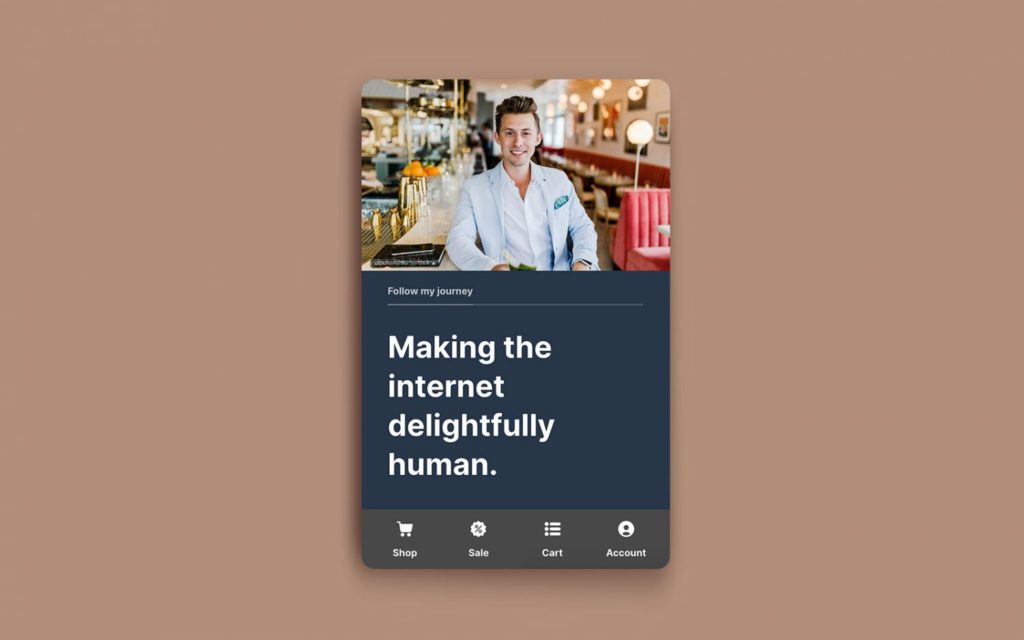
Let’s take the default styling of Flatsome’s mobile menu to the next level. In this video tutorial I show you how to add my pre-made CSS code and explain you the different classes.
31
May
May
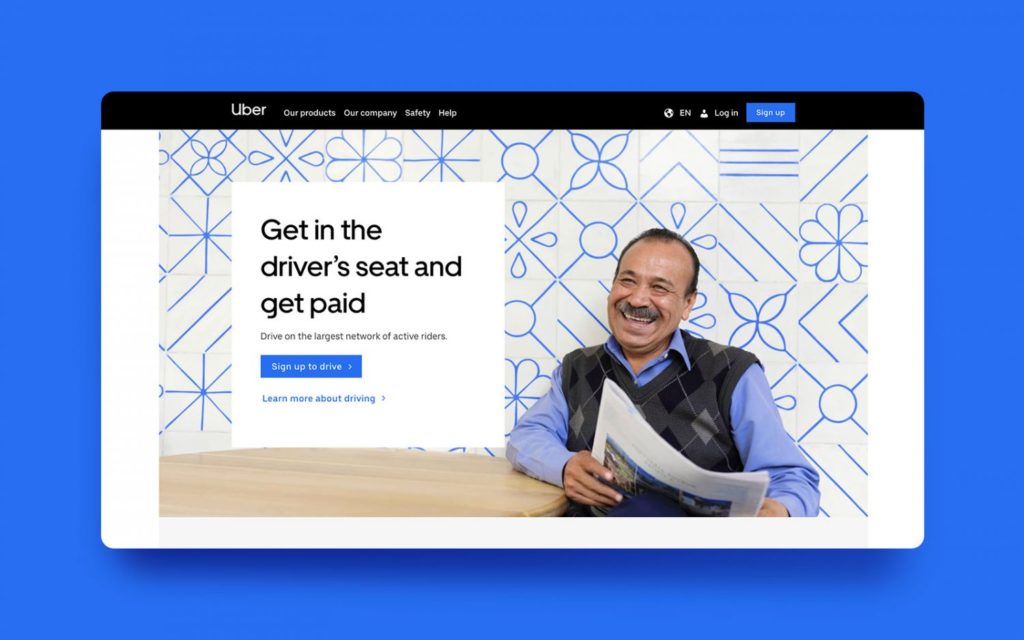
Boost your visitor mobile experience with this sticky menu navigation custom made for your Flatsome theme. No plugin needed, just import the pre-made UX Builder shortcode and CSS and modify the icons & links.